
Feather Flag (Flags)
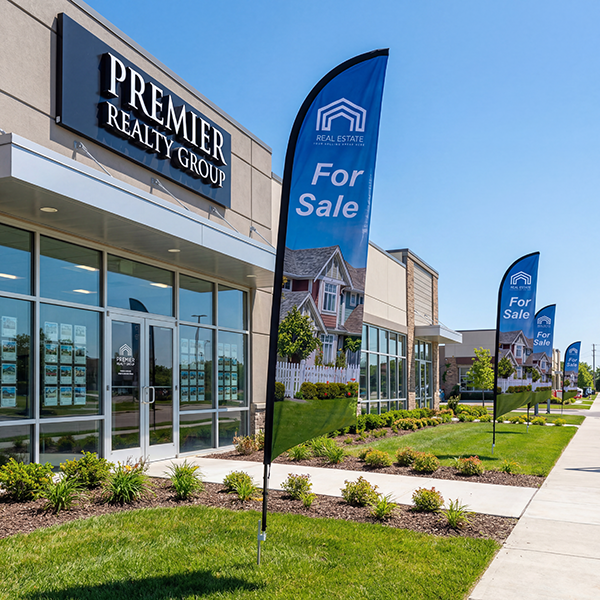
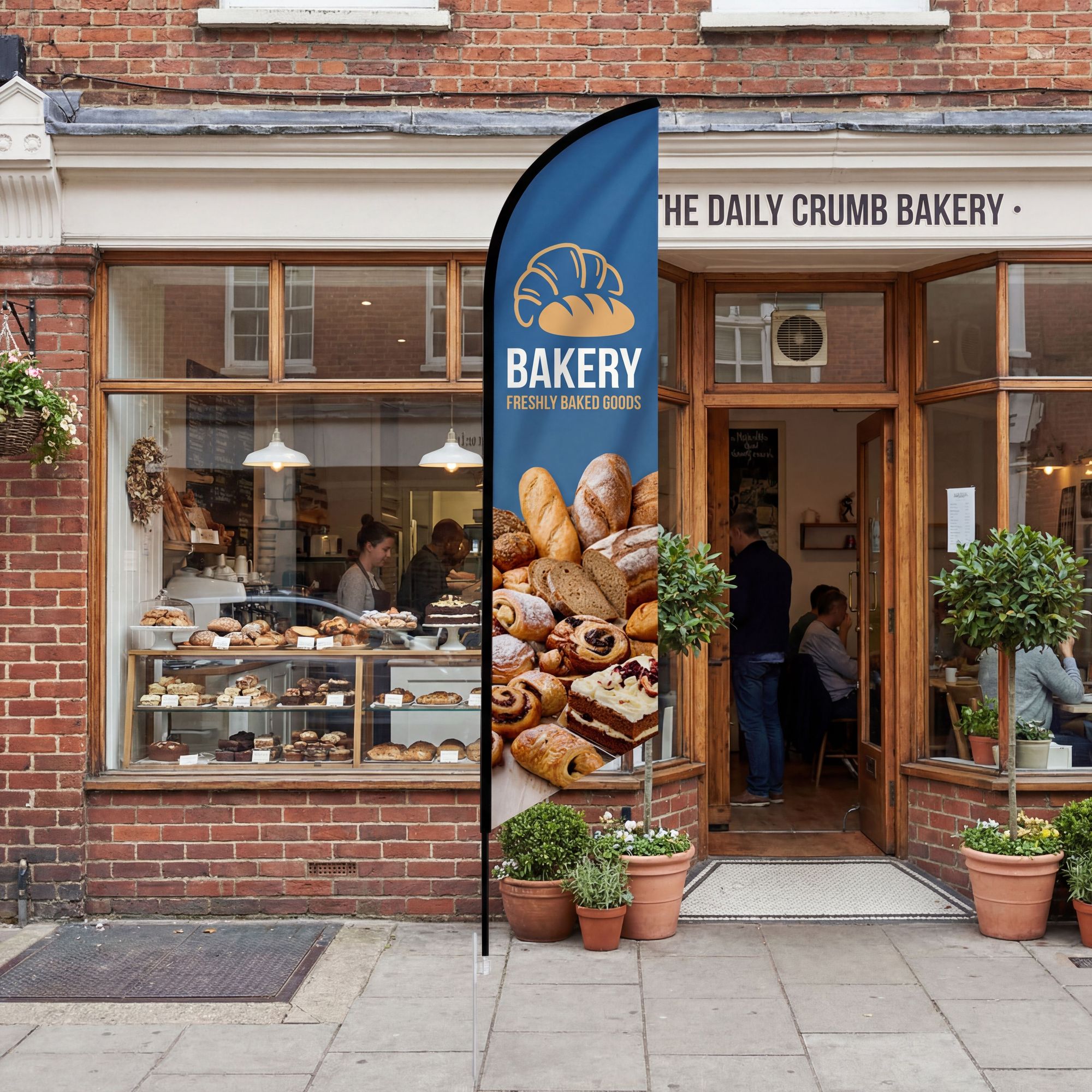
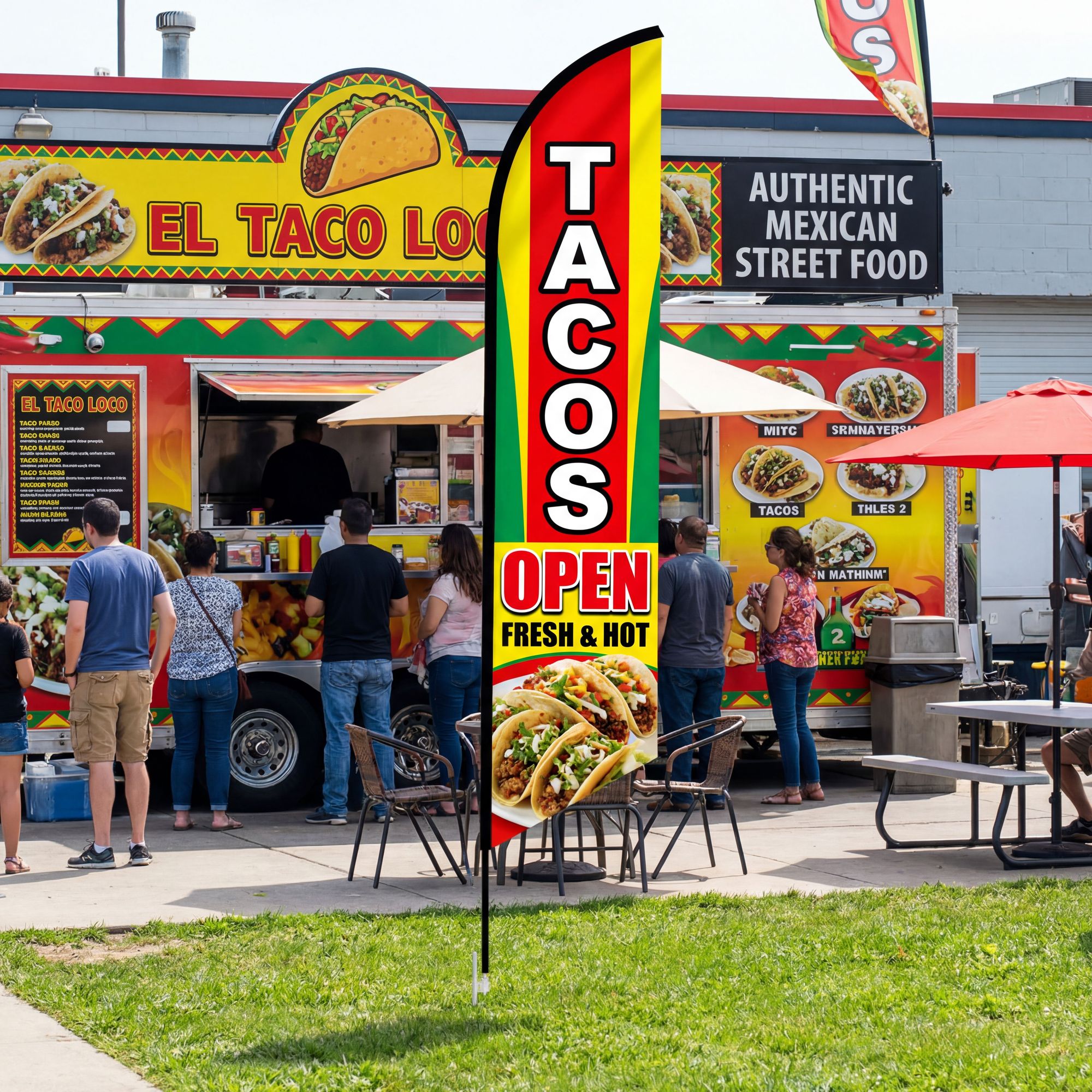
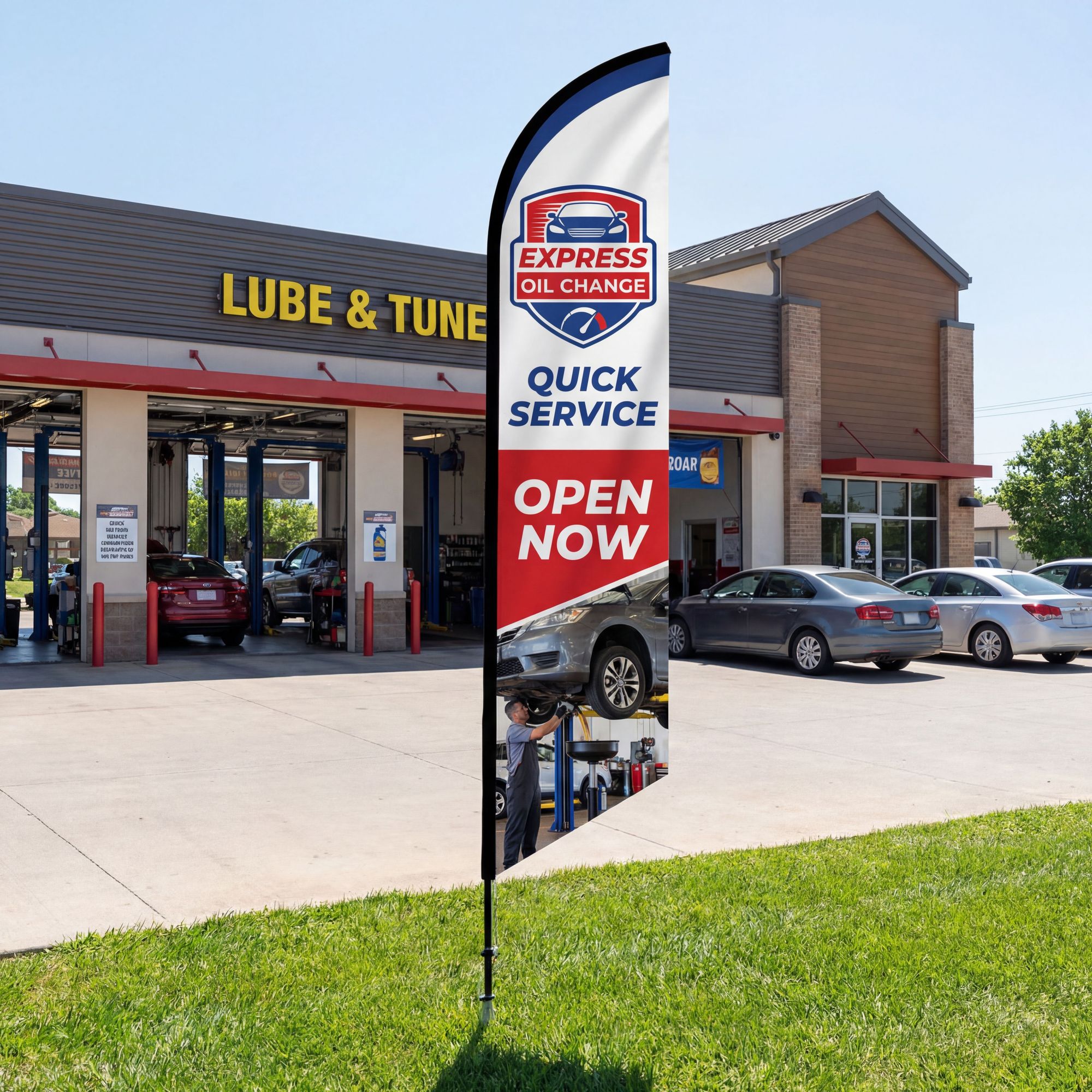
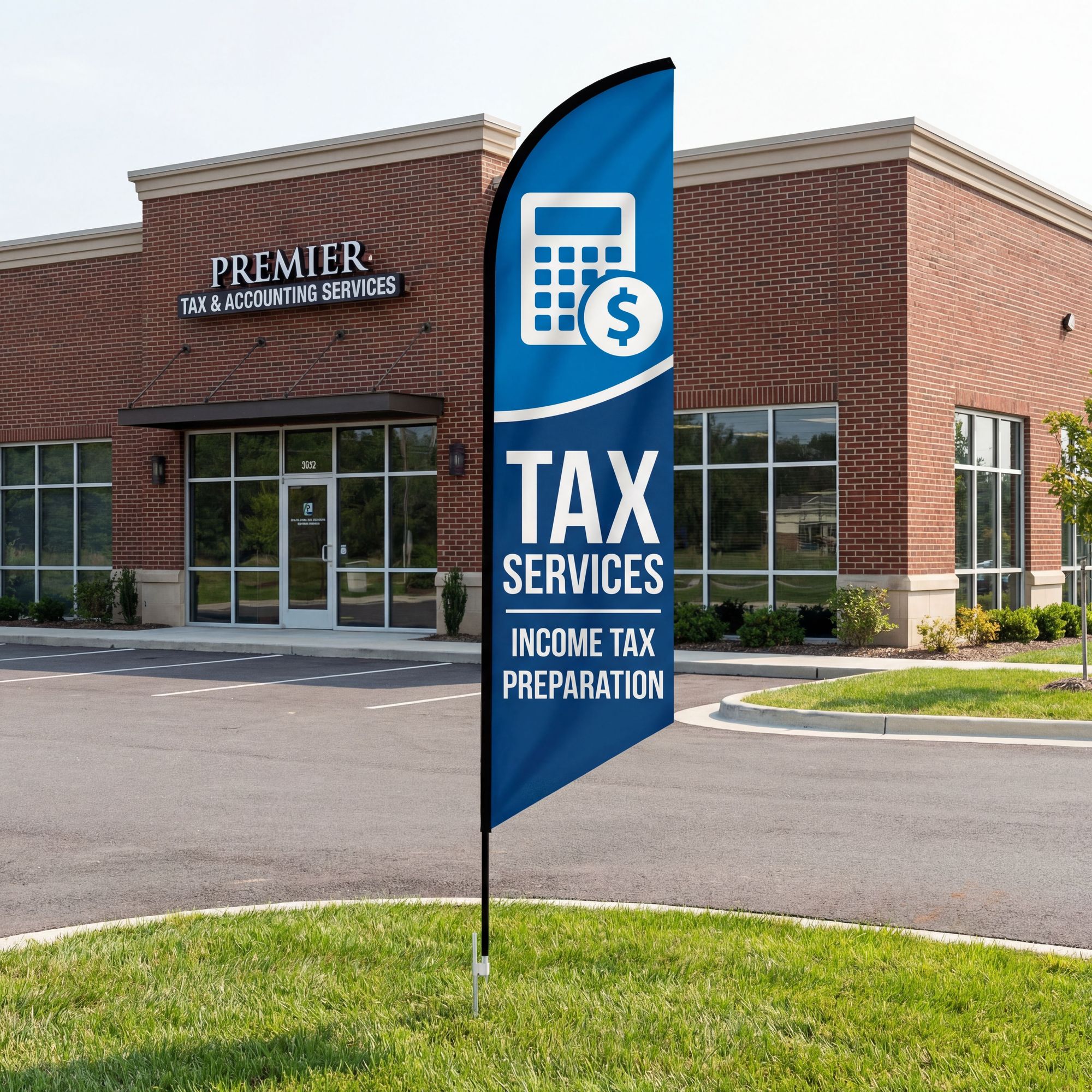
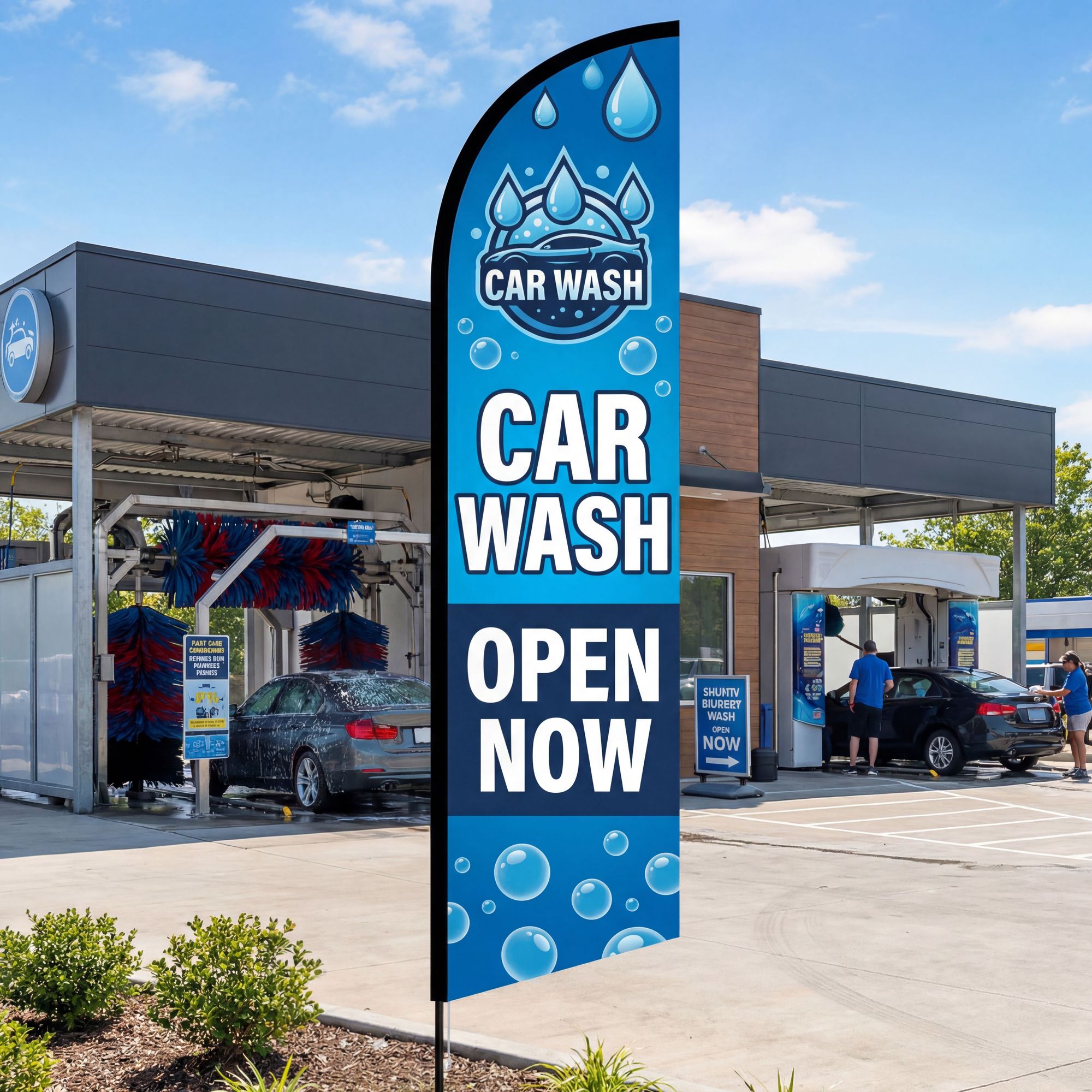
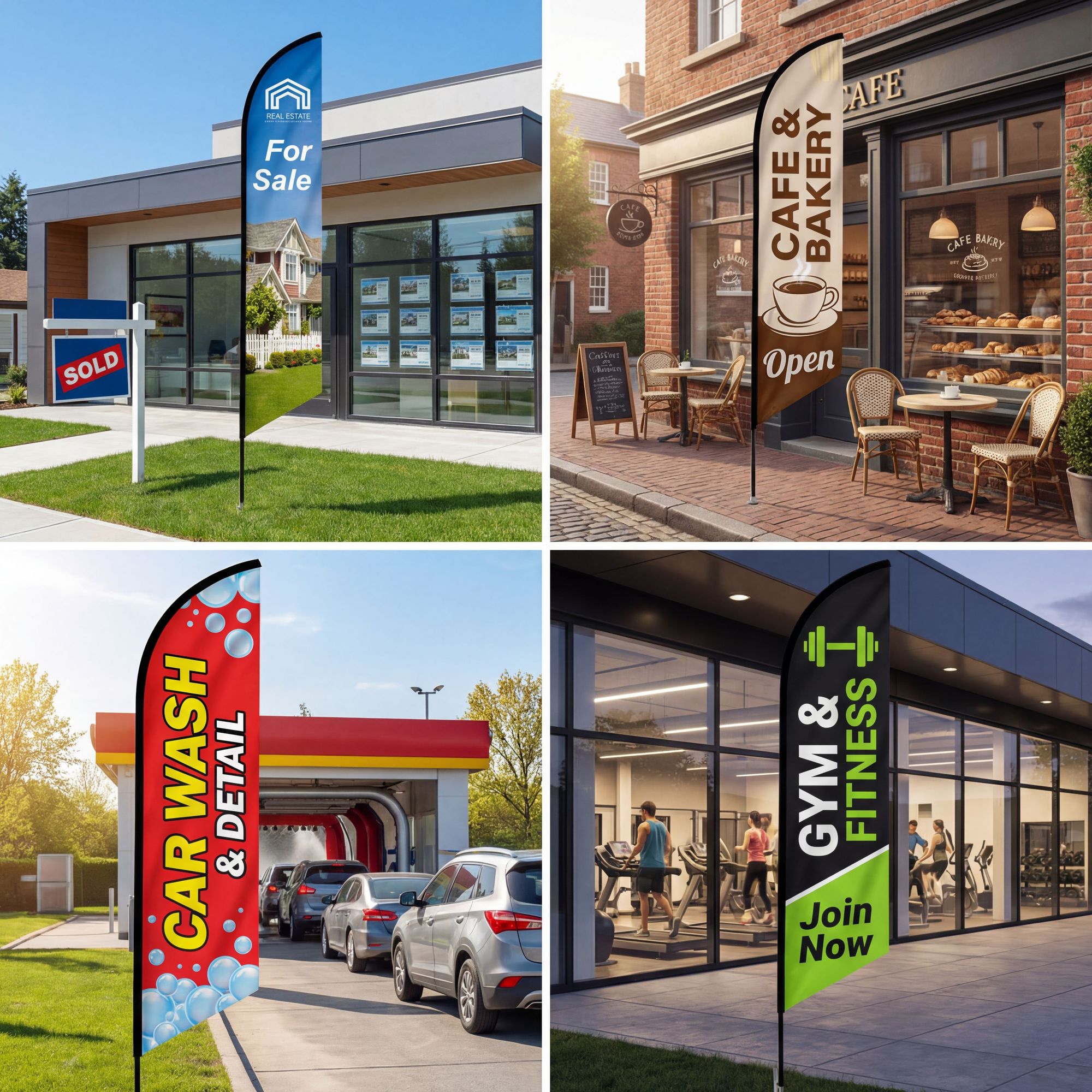
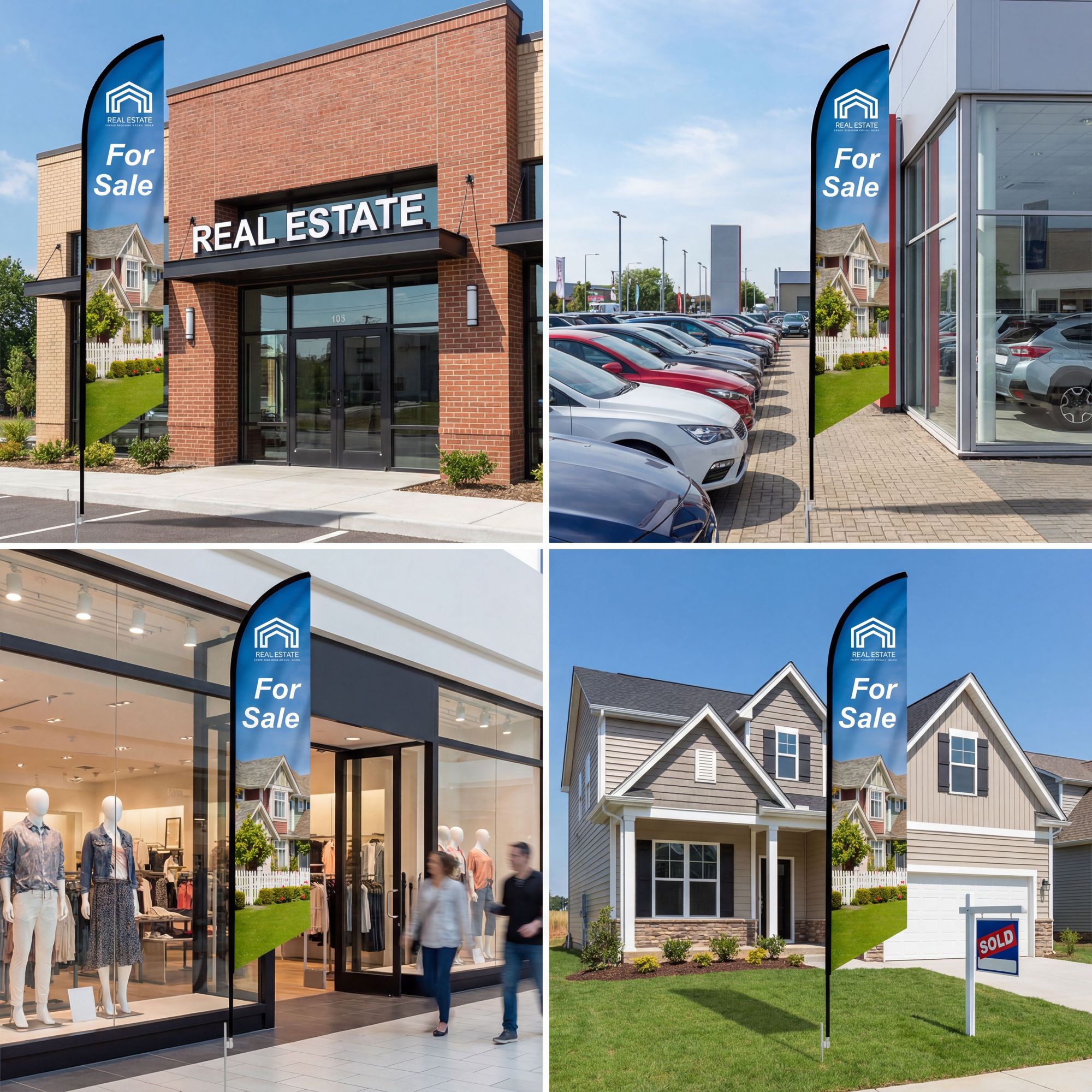
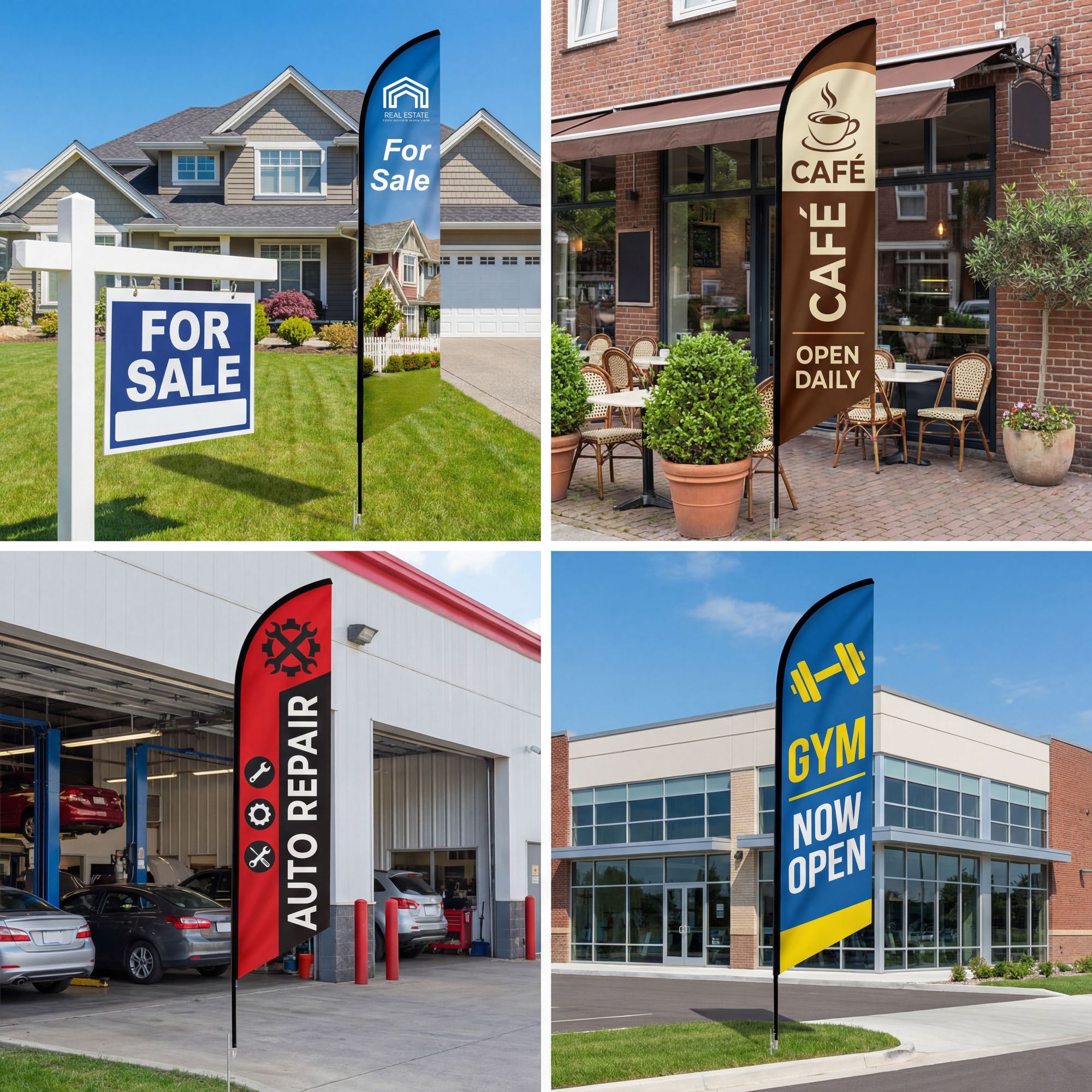
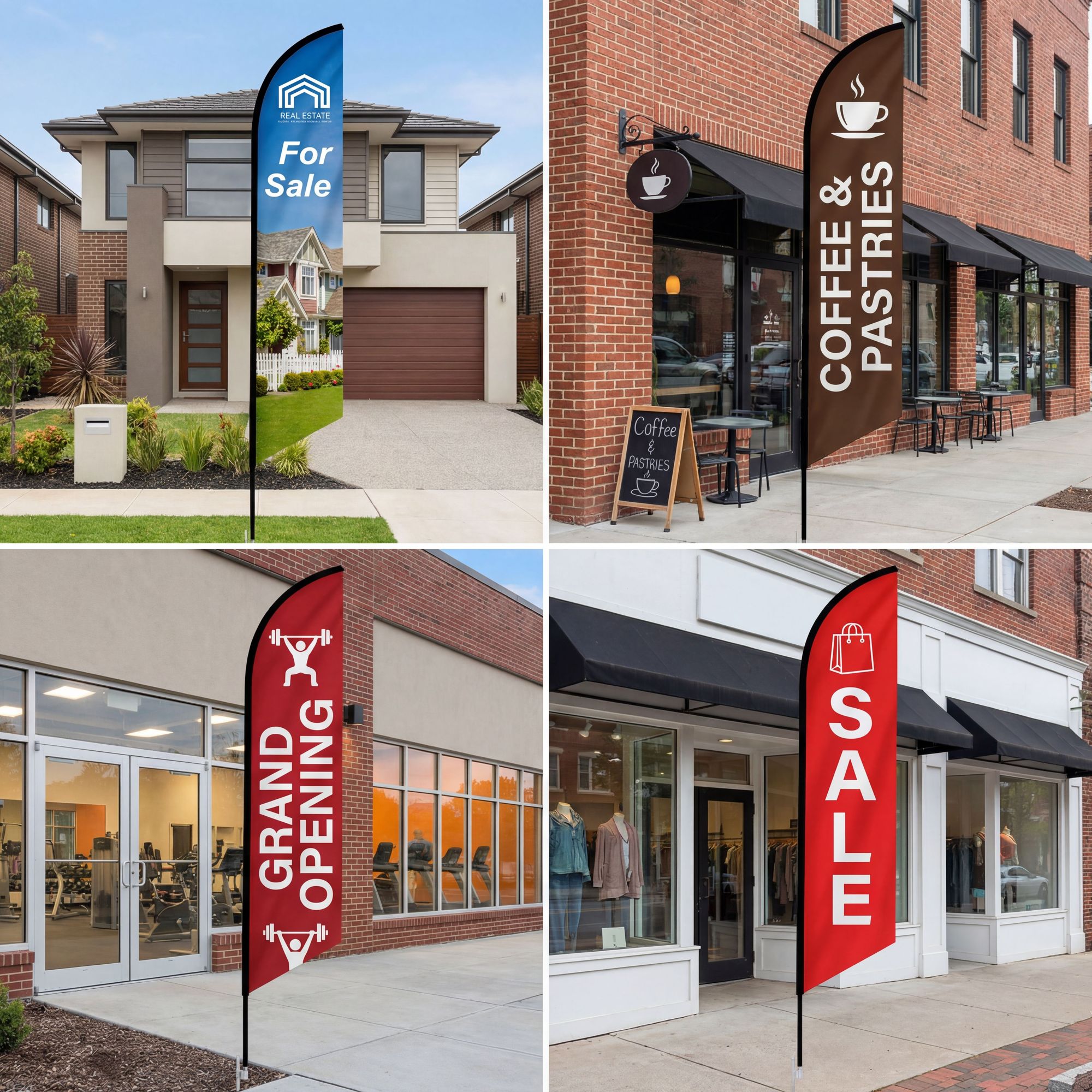
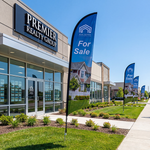








🚩 Custom Feather Flags: Make Your Brand Stand Out
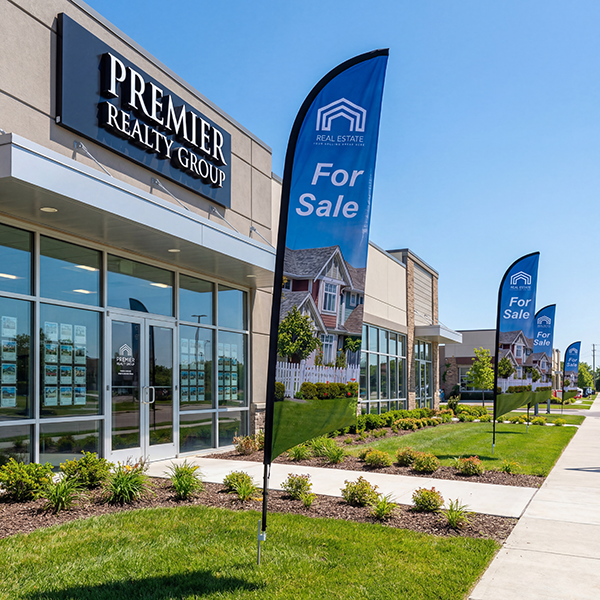
Feather angled flags are the perfect eye-catching solution for businesses, events, trade shows, and outdoor advertising. Double-sided full-color dye sublimation printing ensures your message is visible from both directions.
Premium Flag Material
| Material | 4oz Polyester Mesh Fabric |
| Printing | Full-Color Dye Sublimation |
| Sides | Double-Sided (separate graphics each side) |
| Pole Set | Interlocking Aluminum & Graphite — Tool-Free |
Fade-Resistant
✓
Weather-Proof
✓
Wind-Through
✓
Double-Sided
✓
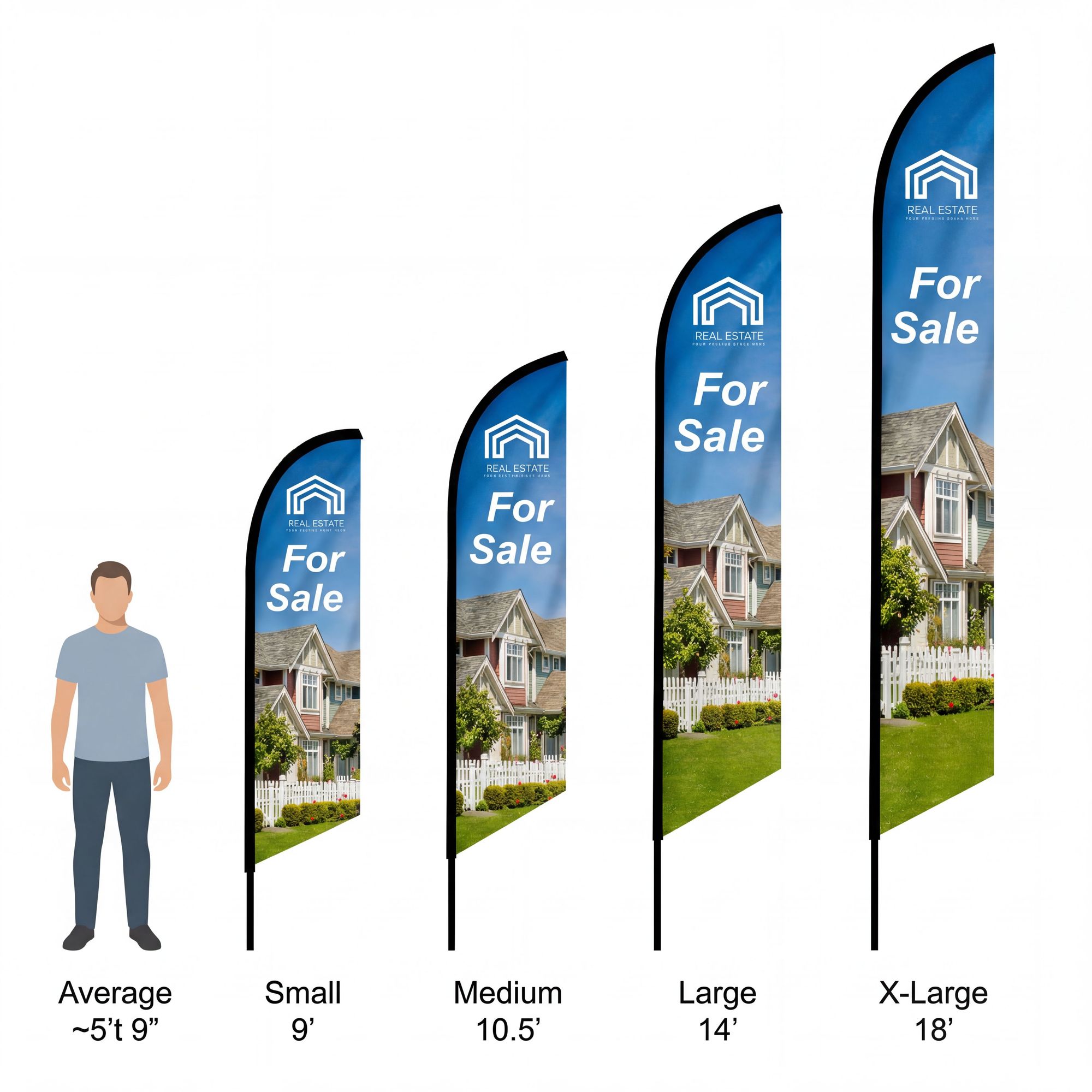
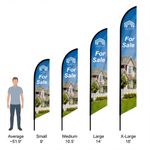
📏 Size Options
| 9' Small | 23.5" × 78.5" per side |
| 10' Medium | 24" × 104" per side |
| 14' Large | 28" × 138" per side |
| 18' X-Large | 24" × 183.5" per side |
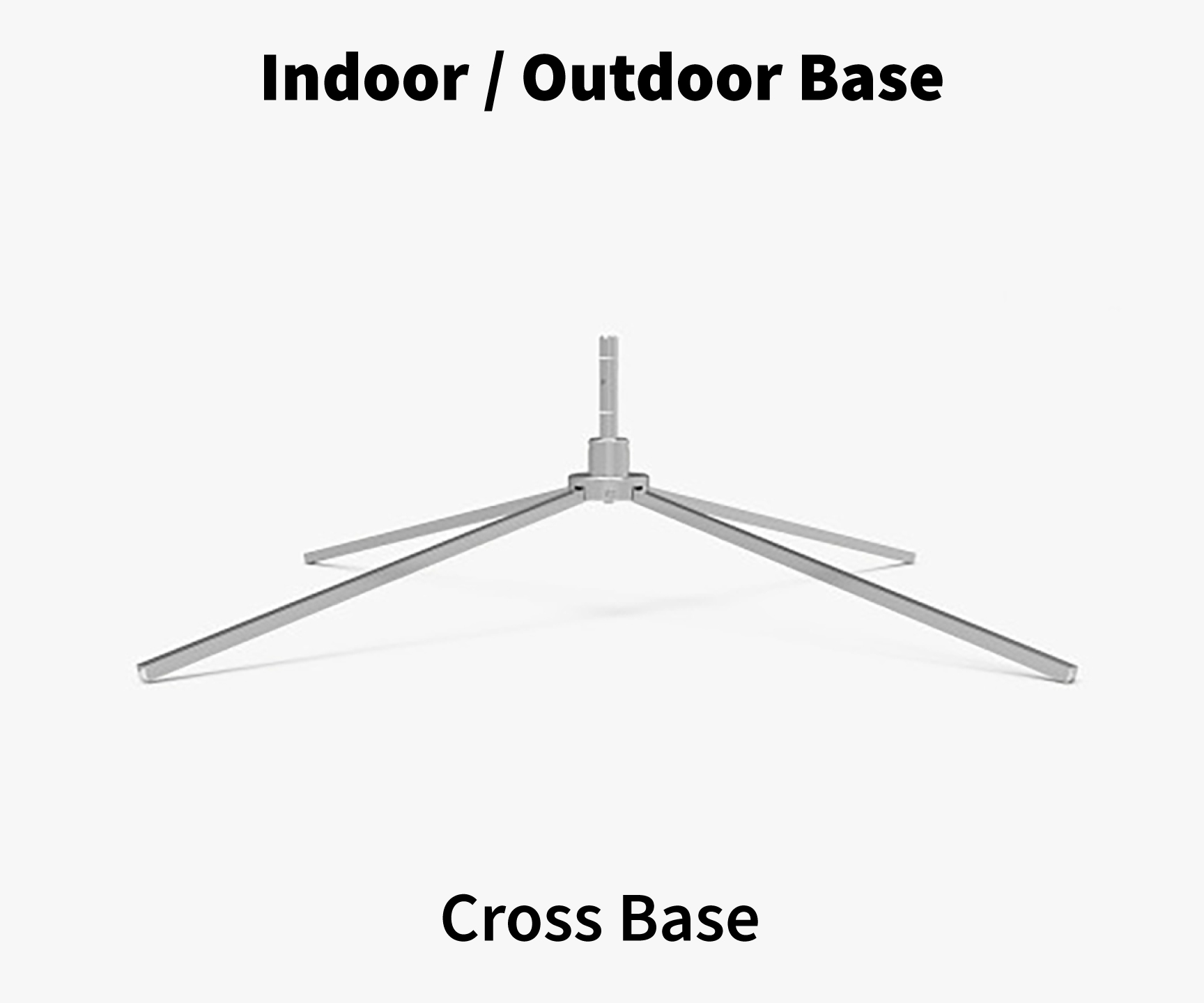
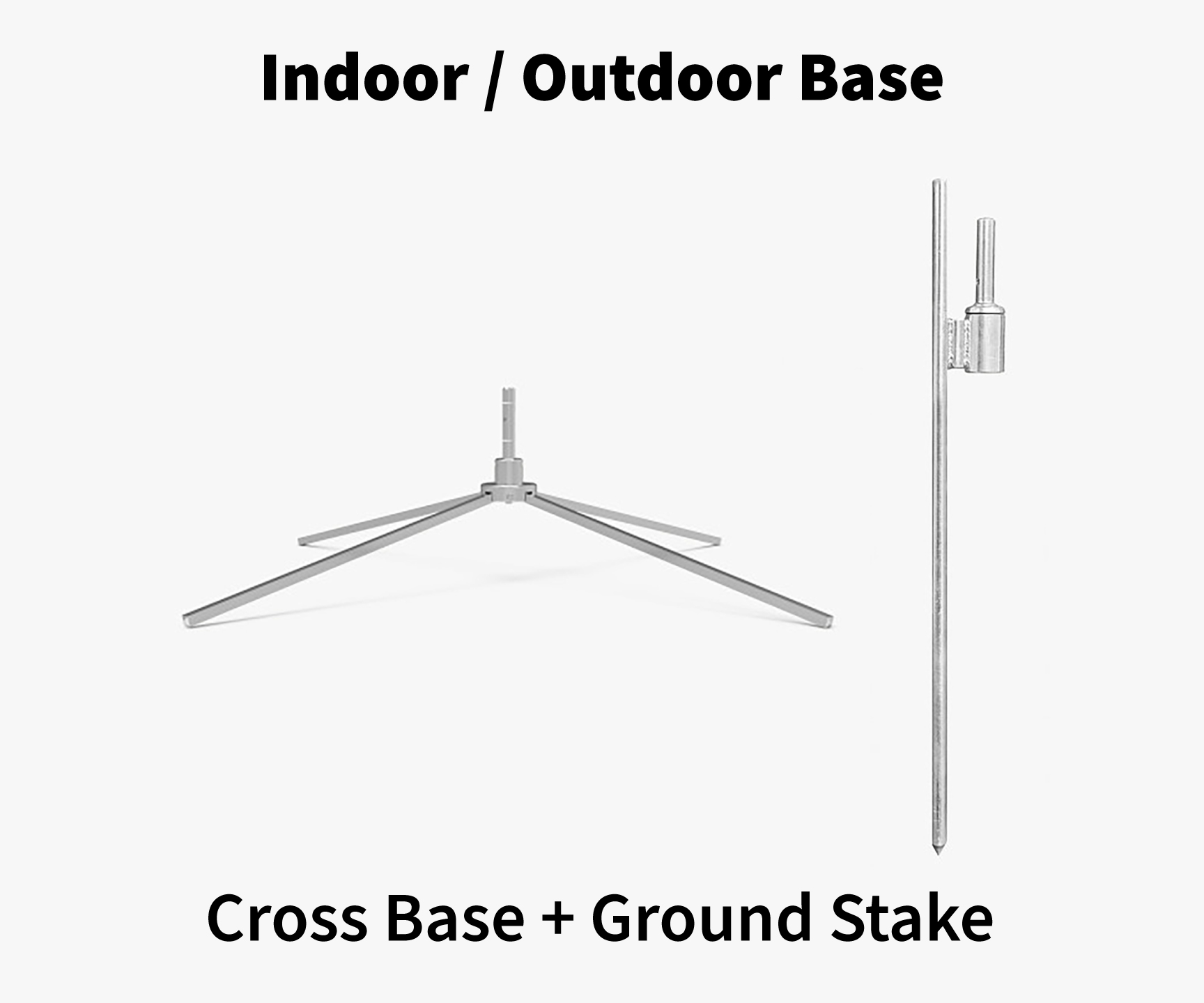
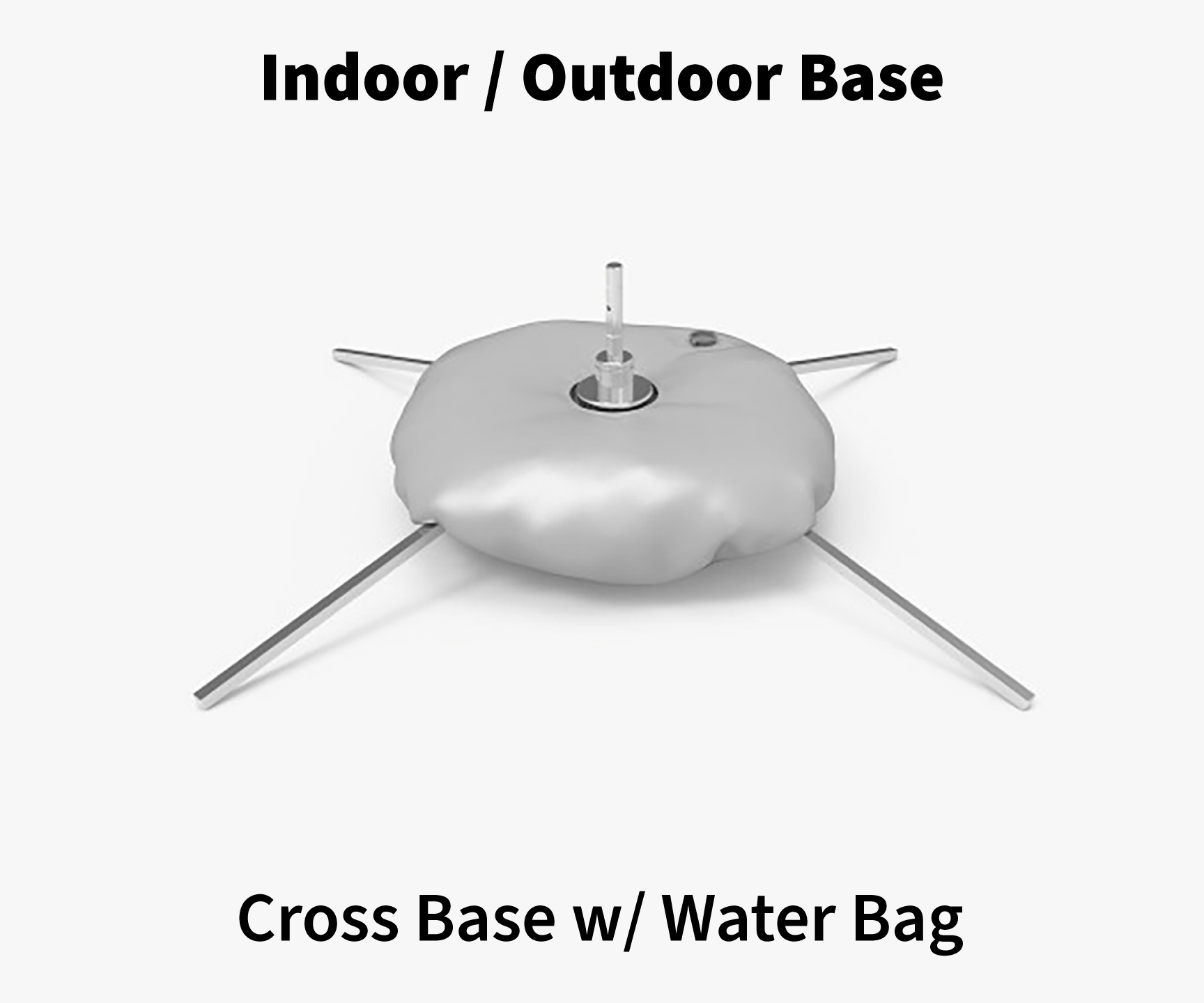
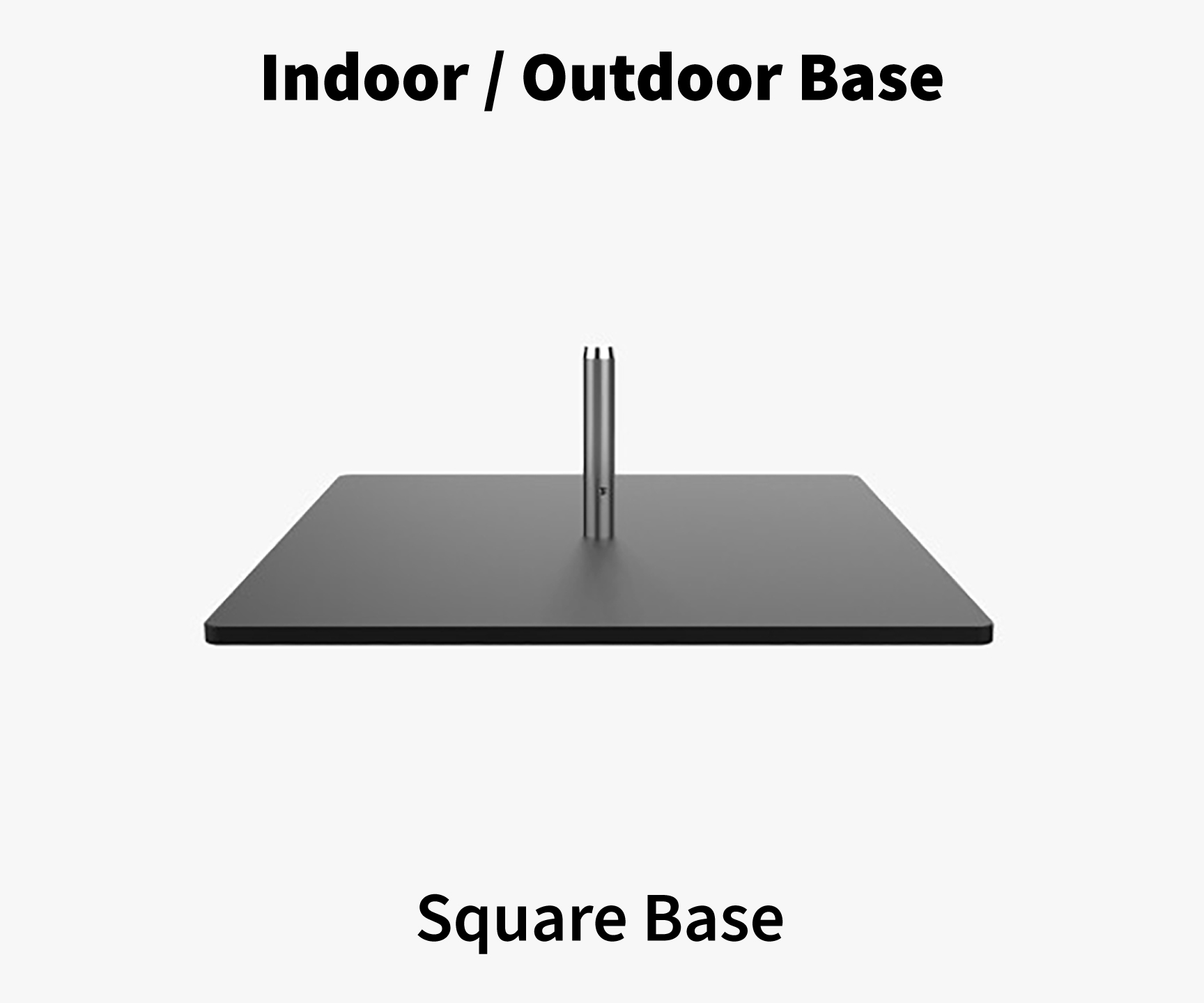
🔩 Base Hardware Options
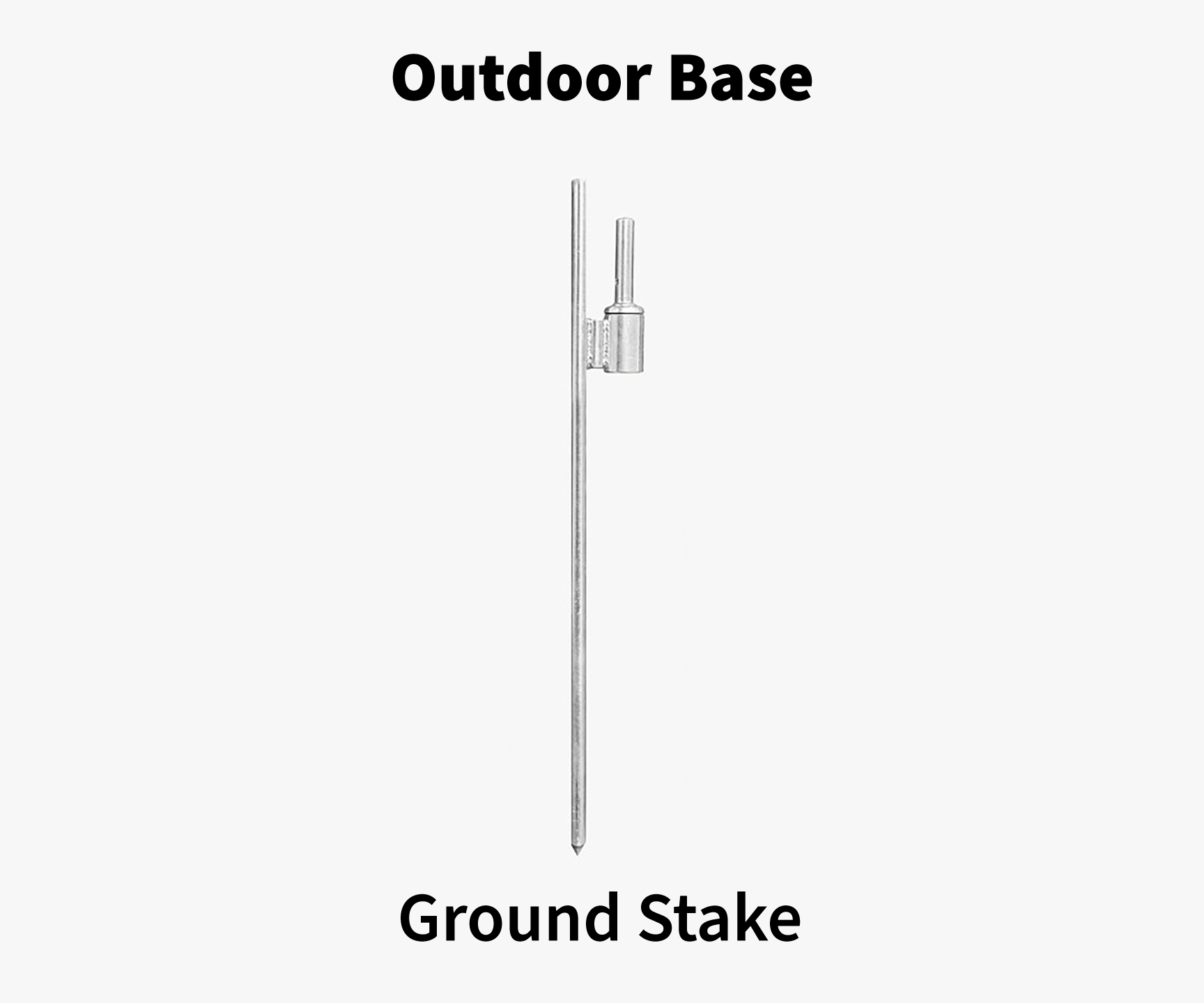
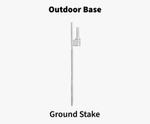
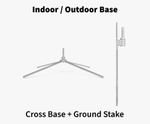
| Ground Stake | Included — for soft ground |
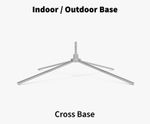
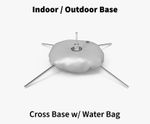
| Cross Base | 6.73 lbs — indoor/outdoor hard surfaces |
| Cross Base + Water Bag | 9.73 lbs — added wind stability |
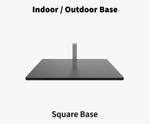
| Square Base | 21.83 lbs steel — maximum stability |
🚚 Production & Shipping
| Production | 2 business days |
| Shipping | Free Overnight across the USA (incl. HI & AK) |
| Delivery | Monday – Friday only |
📦 What's Included
| ✓ Double-sided custom printed flag |
| ✓ Complete pole set (aluminum/graphite) |
| ✓ Ground stake |
| ✓ Assembly instructions |
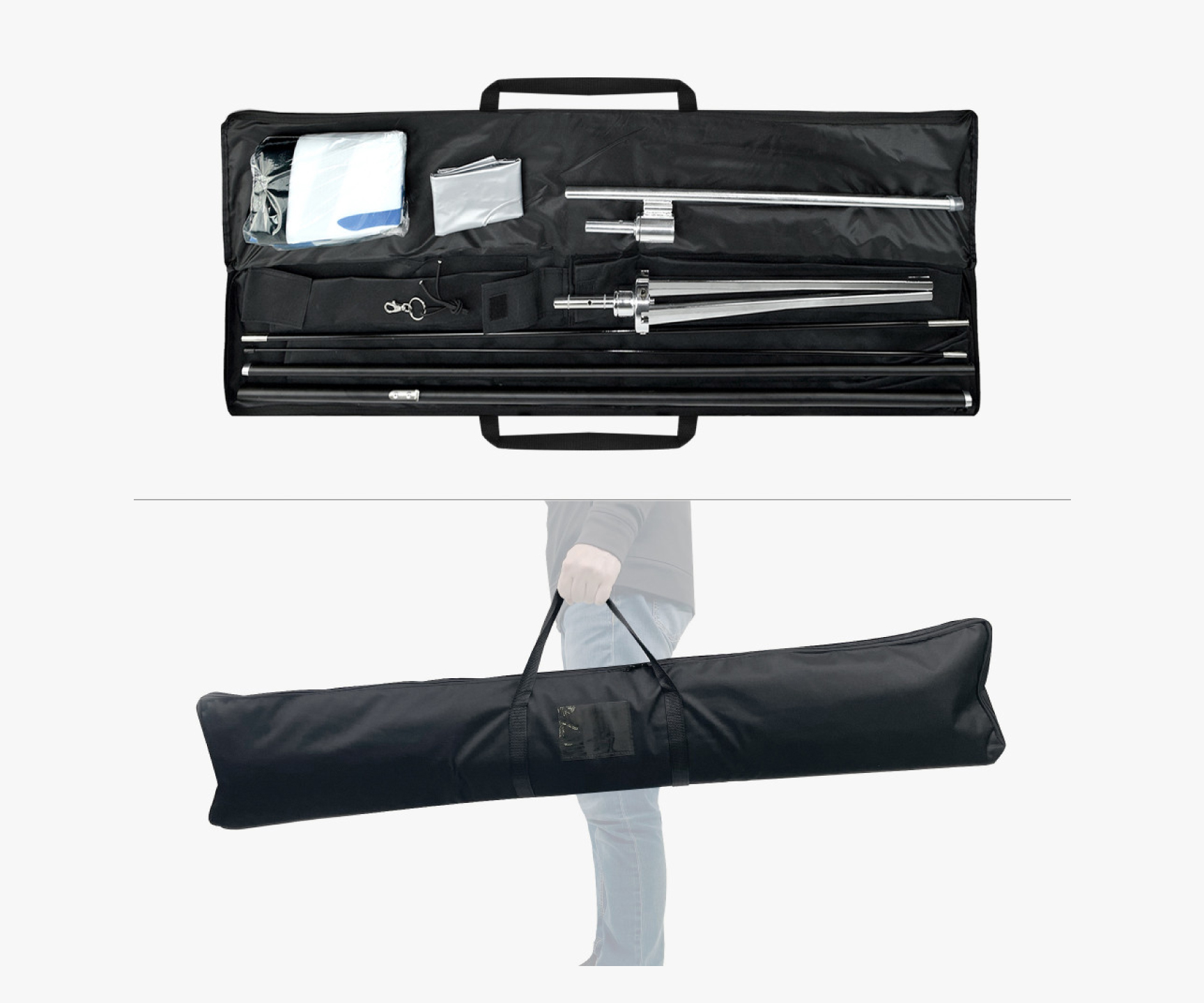
🧳 Optional Carry Bag
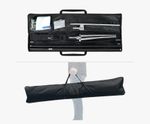
Durable nylon zippered bag stores flag and complete pole set. Perfect for events, trade shows, and mobile marketing.
🎯 Perfect For
Canva Users
Free Canva templates for double-sided feather flags. Pick your size:
9' Small template10' Medium template14' Large template
Design both sides, delete the pink guide layer, then download as PDF Print and upload it here.
Export your logo file as PDF Print — then upload it here and place according to the template.
If designing your full flag in Canva, import your logo as a PDF file, not PNG — PNG logos will appear distorted.
Ideal to use the vector version of your logo for best print quality.
Questions? orders@milweb1express.com | 414-979-5436
To start, select the product size, preview the design guidelines, download the guidelines for reference, and proceed with the customization options.
Setting up your banner file
Pick the tool you're designing in. Either way, send us a file at the finished size: no bleed needed, text about 1" in from the edges.
Three steps in Canva
- Create a design → Custom size → inches. Width first, height second, using a size from the list below.
- Design edge to edge. Stretch the background to every side and keep text, logos and QR codes about an inch in. Nothing in the corners. That's grommet territory.
- Share → Download → PDF Print. Crop marks and bleed off. Open the PDF, proof every word, upload it with your order.
Canva file size to create
- 2'×4'48 × 24 in
- 3'×6'72 × 36 in
- 4'×8'80 × 40 inscaled
- Tent 1'×8'80 × 10 in
- Tent 1'×9'81 × 9 in
Canva caps out at 80", so bigger banners use a scaled, perfectly proportional size. We enlarge it in production and it prints exactly as you built it.
Canva size converter for any size
Logo made in Canva? Don't copy-paste it between designs; it pixelates. Export the original logo file as PDF Print and bring that in.
Why AI banner files come back wrong
- Wrong shape. Most tools default to square or 16:9. A 2'×4' banner is 2:1 and a tent banner is 8:1, so stretching to fit distorts your logo and text.
- Capped resolution. Tools stop around 1–4K pixels. Fine if the ratio is exact (we scale it); blurry if it's been resized or screenshotted.
- Redrawn text. AI re-letters your words, so spelling and phone numbers drift.
- Mockups, not artwork. You get a banner hanging on a wall, grommets and shadows baked in.
- Open the prompt guide, pick your size and copy the prompt.
- Attach your existing design or logo (the original file, not a screenshot) and run it.
- Read every word, then upload the PDF or PNG with your order.
Best results: ChatGPT (GPT Image) and Google Gemini (Nano Banana) follow the sizing and keep your wording. Ideogram is strong with text. Midjourney needs the ratio set (--ar 2:1). Tent banners are extra wide, so expect a second try. The prompt handles it.
Not sure? orders@milweb1express.com · 414-979-5436 · Live chat, bottom right.