
X Banner Stand (Banner Stands)

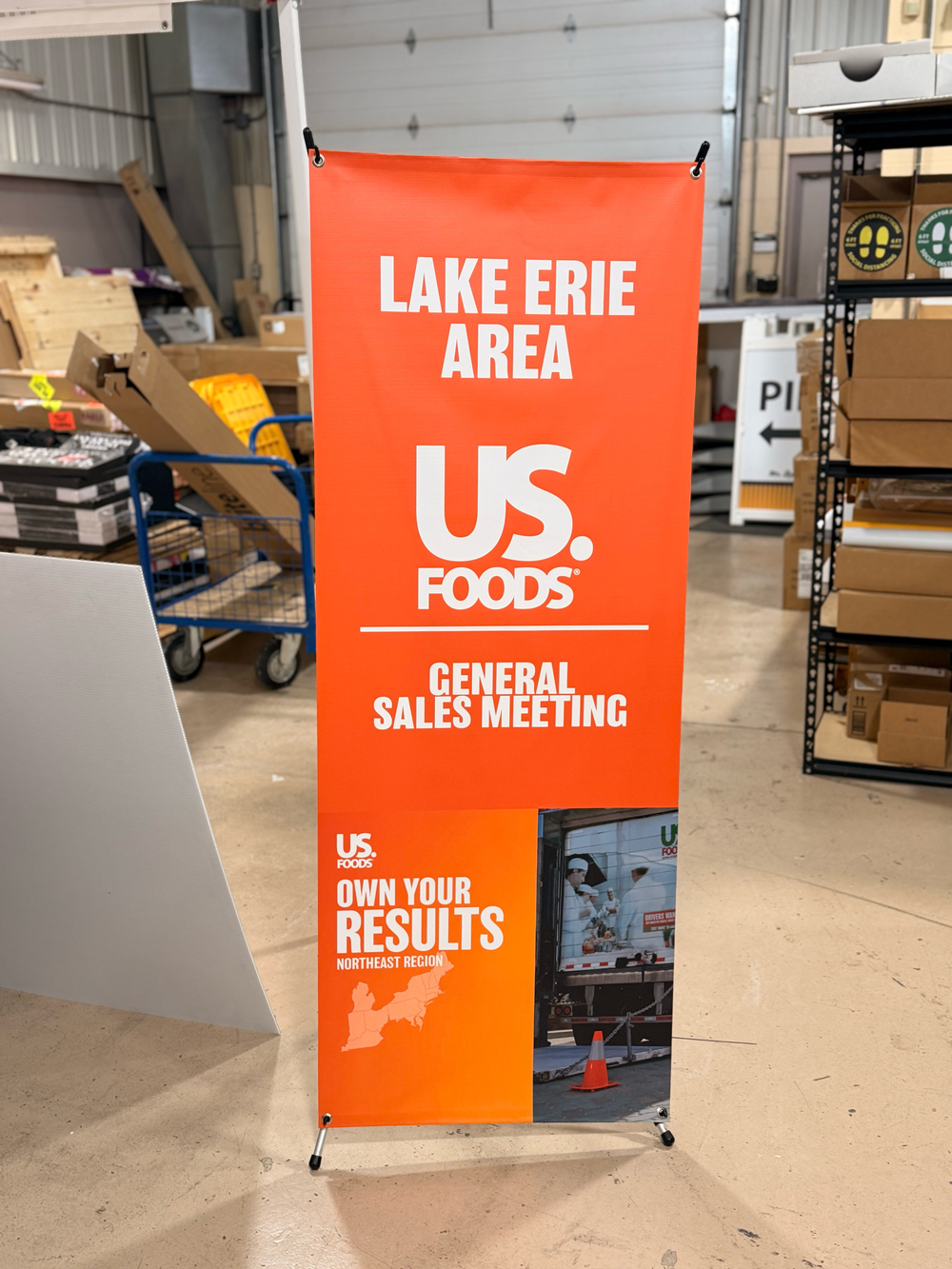
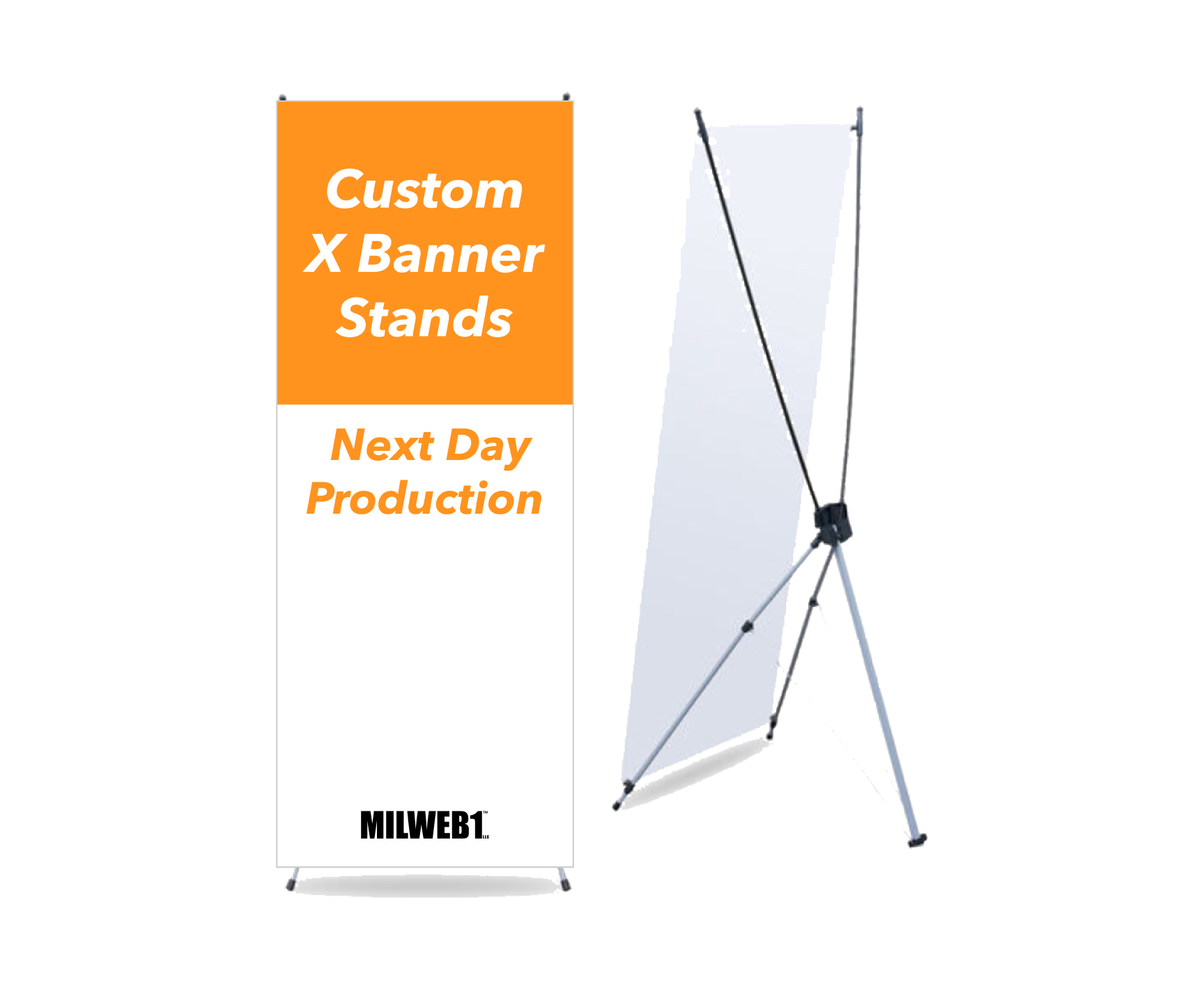
🏷️ X Banner Stand: Lightweight & Portable
Affordable, portable display solution perfect for trade shows, retail spaces, lobbies, and events. Easy tripod-style setup — no tools required.
Specifications
| Size | 24" W × 63" H |
| Material | 13oz Matte Vinyl Banner |
| Sides | Single-Sided |
| Hardware | Aluminum & Fiberglass Stand |
| Bleeds | Not Required |
Matte Finish
✓
Lightweight
✓
Portable
✓
No Tools
✓
🚚 Production & Shipping
| Production | Next business day with print-ready artwork |
| Shipping | Free Overnight across the USA (incl. HI & AK) |
| Delivery | Monday – Friday only |
📦 What's Included
| ✓ Custom printed 13oz matte vinyl banner |
| ✓ Aluminum & fiberglass X stand |
| ✓ Complimentary nylon carry bag |
🎯 Perfect For
Canva Users (Most Popular)
Set your Canva document to 24" × 63" with no bleeds.
Export as PDF Print for best quality.
Import your logo as a PDF file, not PNG — PNG logos will appear distorted.
Ideal to use the vector version of your logo for best print quality.
Other Accepted Formats
| Photoshop | TIFF (LZW Compression) or JPEG |
| Illustrator | |
| InDesign | PDF (High Quality Print) |
| Other | JPEG, PNG, PDF |
| Color | CMYK or RGB |
| Resolution | 150–300 dpi |
To start, select the product size, preview the design guidelines, download the guidelines for reference, and proceed with the customization options.
Setting up your banner file
Pick the tool you're designing in. Either way, send us a file at the finished size: no bleed needed, text about 1" in from the edges.
Three steps in Canva
- Create a design → Custom size → inches. Width first, height second, using a size from the list below.
- Design edge to edge. Stretch the background to every side and keep text, logos and QR codes about an inch in. Nothing in the corners. That's grommet territory.
- Share → Download → PDF Print. Crop marks and bleed off. Open the PDF, proof every word, upload it with your order.
Canva file size to create
- 2'×4'48 × 24 in
- 3'×6'72 × 36 in
- 4'×8'80 × 40 inscaled
- Tent 1'×8'80 × 10 in
- Tent 1'×9'81 × 9 in
Canva caps out at 80", so bigger banners use a scaled, perfectly proportional size. We enlarge it in production and it prints exactly as you built it.
Canva size converter for any size
Logo made in Canva? Don't copy-paste it between designs; it pixelates. Export the original logo file as PDF Print and bring that in.
Why AI banner files come back wrong
- Wrong shape. Most tools default to square or 16:9. A 2'×4' banner is 2:1 and a tent banner is 8:1, so stretching to fit distorts your logo and text.
- Capped resolution. Tools stop around 1–4K pixels. Fine if the ratio is exact (we scale it); blurry if it's been resized or screenshotted.
- Redrawn text. AI re-letters your words, so spelling and phone numbers drift.
- Mockups, not artwork. You get a banner hanging on a wall, grommets and shadows baked in.
- Open the prompt guide, pick your size and copy the prompt.
- Attach your existing design or logo (the original file, not a screenshot) and run it.
- Read every word, then upload the PDF or PNG with your order.
Best results: ChatGPT (GPT Image) and Google Gemini (Nano Banana) follow the sizing and keep your wording. Ideogram is strong with text. Midjourney needs the ratio set (--ar 2:1). Tent banners are extra wide, so expect a second try. The prompt handles it.
Not sure? orders@milweb1express.com · 414-979-5436 · Live chat, bottom right.